Mission 13 GTA 6 walkthrough: Buck Me (setting up the BuckMe bank account)
GTA 6 Buck Me walkthrough (mission 13): the Fleeca bank meeting, the savings choice, the BuckMe app and the $100 to move into Family Savings.
Buck Me ("Set Up Bank Account" on the map) is the mission that finally gets Jason a bank account. Lucia needs somewhere to put the money from her job, and neither she nor Jason has an account, so it's off to the Fleeca branch in Key Lento. The manager won't open a regular account for them and suggests the BuckMe app instead. The short version: talk to the teller, follow the manager into his office, answer the question about your savings, then, back home, open BuckMe on the phone and move the $100 welcome gift into Family Savings with "Buck Yourself". No combat, and no fail condition reported.
Mission 13 / 98Chapter 1
Buck Me
- You play
- Jason
- Given by
- Lucia (phone call)
- Where it starts
- Fleeca branch in Key Lento (Mariana County)
- Goal
- Try to open an account, then set up BuckMe and move $100 into Family Savings
BuckMe in a nutshell
| What you need to know | |
|---|---|
| Checking | gets the $100 welcome gift; you deposit cash at ATMs and can withdraw it; its limit goes up as you save |
| Family Savings | money can never be withdrawn, but it can't be lost either; first goal at $5,000 according to GTABase |
| Savings levels | discounts on various purchases and a higher Checking limit (PowerPyx) |
| Pocket cash | lost when you die; cash purchases are capped at $999, anything over $1,000 goes through BuckMe (PowerPyx) |
The mission at a glance
| What you'll do | talking at the bank, cutscenes, a phone tutorial |
| Difficulty | very easy: no combat |
| Can you fail? | no fail condition reported by the guides |
| Choice | whether to own up to your savings (affects your relationship with Lucia according to GTABase) |
| Reward | the BuckMe app, a Checking account, Family Savings and a $100 welcome gift |
| Trophy | none reported |
The full GTA Series Videos recording follows the mission from start to finish (the channel numbers it 12, see below):
Step-by-step walkthrough
1. Take Lucia's call
About half a day after Coming Home, Lucia calls Jason. According to gta.wiki, she wants to use his bank account to hold the money from her job; Jason admits he doesn't have one. She asks him to meet her at the Fleeca branch in Key Lento. According to gta.wiki, Jason texts her when he gets there and she tells him to start without her.
2. Ask about opening an account
Objective "Ask about setting up a bank account". Head inside and talk to the teller: hold L2 (LT) to target him, then press Cross (A). He sends you to the manager, sitting at a table in the right-hand corner of the branch.
3. Follow the manager into his office
Talk to the manager, then follow him to his office. According to gta.wiki, Jason sits down and hands over his ID. Lucia joins you during the meeting.
4. The meeting and the savings choice
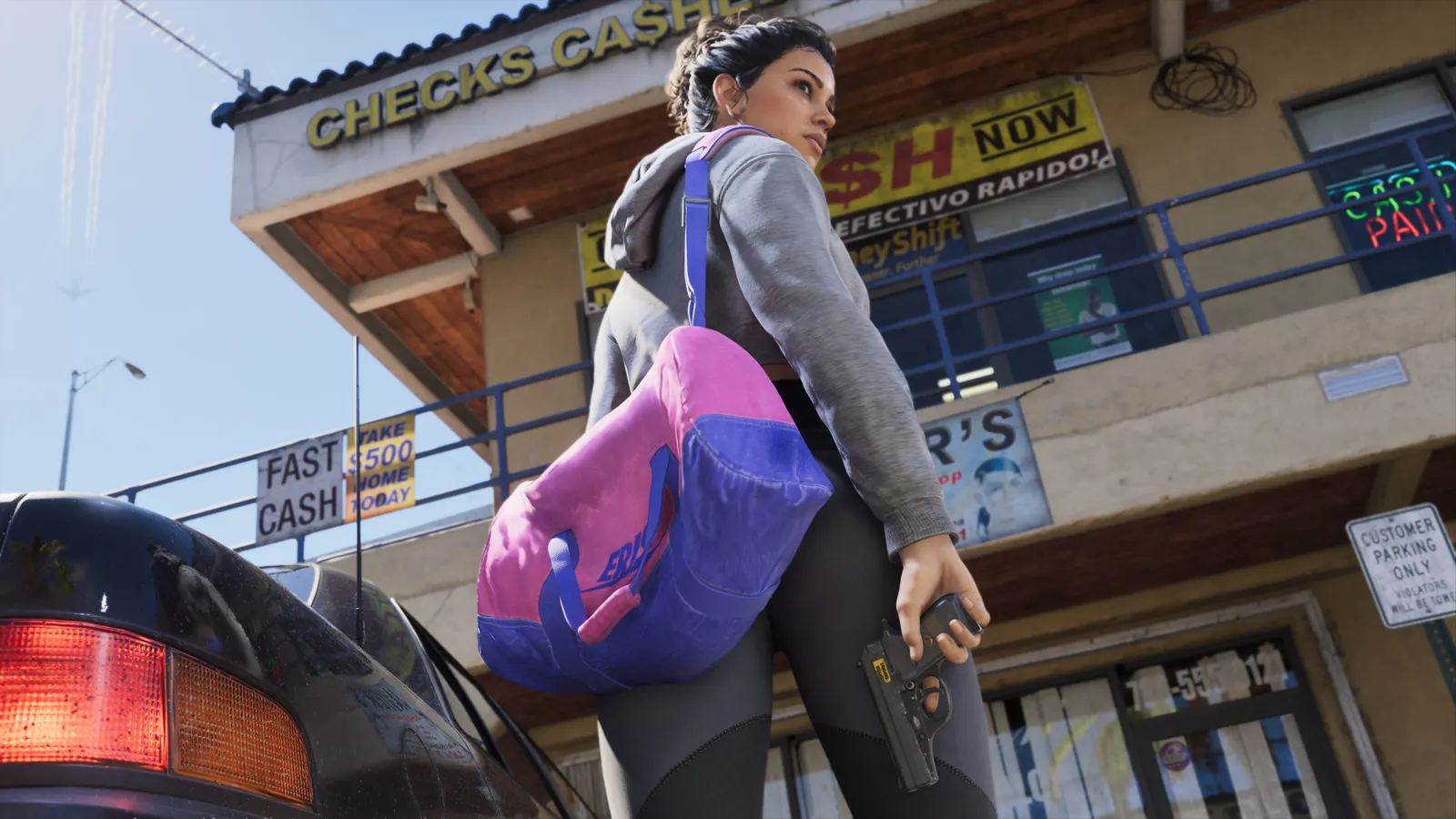
According to gta.wiki, Lucia is hoping for a loan to buy Jason's house from Brian, and the manager brings up a veteran's loan, which Jason doesn't think he'd qualify for. During the conversation, Jason is asked whether he has any money put aside:
- say you have cash saved at the house ("Saved Cash");
- or say nothing ("Say Nothing").
VGC presents the question as coming from the manager; GTABase as a question from Lucia, adding that owning up improves your relationship with Lucia while staying quiet hurts it. Either way, the verdict lands: their credit is too poor for a regular account, and the manager suggests the fintech app BuckMe.
5. Head home
According to gta.wiki, Lucia storms out of the office and Jason asks the manager to send him the link to the app; a cutscene then moves on to a pizza and the trip home. When you arrive, a $100 welcome gift is already in your Checking account.
6. Open BuckMe
Objective "Open BuckMe". Pull out the phone with D-pad up and tap the app with the purple "B". VGC describes this part as a tutorial for the phone and the app.
7. Move the money into Family Savings
Objective "Move Money into Family Savings". In BuckMe, pick "Checking Account" in the top menu, then "Buck Yourself" to transfer the $100 into Family Savings. The objective is mandatory, and the amount is small.
8. Wrap up the evening with Lucia
Watch TV with Lucia, then go to bed: according to VGC, that's what ends the mission.
What the mission unlocks
- The BuckMe app, which acts as your bank account, with a Checking account and Family Savings.
- ATM Finder in the app: it marks the nearest ATM, where you deposit cash and withdraw money from Checking. The next small task, Deposit Cash Into BuckMe, asks you to do exactly that; GTABase points out an ATM right next to Jason's house.
- Big purchases: anything over $1,000 is paid through BuckMe, and if you're out of cash, purchases go straight through the app (PowerPyx).
- The optional Save for the Future, which tracks your savings goals throughout the story (PowerPyx).
Before this mission, the only way to protect your money was to hide it in the house: our beginner tips guide explains where, and how to deposit your cash at an ATM afterwards. According to PowerPyx, dying also costs a small part of your Checking balance, but far less than your pocket cash: deposit often. To fill that account, see our guide to making money fast. The Fleeca branch in Key Lento is on the interactive map.
FAQ
How do you open a bank account in GTA 6?
With the Buck Me mission in chapter 1. The Fleeca bank won't open a regular account for you, but the manager points you to the BuckMe app, which works as your bank account.
Can you withdraw money from Family Savings?
No, never. Money put into Family Savings can't be withdrawn, but it can't be lost either. Savings levels unlock discounts.
What should you answer when Jason is asked about his savings?
According to GTABase, owning up to the cash you've put aside ("Saved Cash") improves your relationship with Lucia, while "Say Nothing" hurts it.
How do you deposit money into BuckMe?
Open BuckMe on your phone, use ATM Finder to mark the nearest ATM, then deposit your cash into your Checking account.